Open it
Double-tap Control from any app. The notch opens, ready for a question. Do it again to put it away.
Try it — double-tap Control.Tap the key to try it.
Go on, poke one.
deskNode agents · on your Mac
A team of agents that works while you're away, and asks before it acts.
Hover it and it opens. Move away and it gets out of the way.
Open it and a pair of eyes follow your cursor around the screen.
Whatever is playing, from any app — pause, skip or scrub from the top of the screen.
Pick 15, 45 or 60 minutes. The notch shrinks to a countdown, and opens into a timer you can pause or stop.
What each session is working on and whether it is done — with its terminal one click away.
A low battery stays in the notch until you plug in — not a banner that's gone in five seconds.
No window to find and nothing to click. D-Node opens over whatever you're doing, and gets out of the way when you're done.
Double-tap Control from any app. The notch opens, ready for a question. Do it again to put it away.
Try it — double-tap Control.Tap the key to try it.
Hold Fn and speak. Let go, and it's sent — no typing, no clicking send.
Try it — press and hold the key.
Hold Option and hover over anything on screen. D-Node outlines it; let go, and the notch opens with a question about just that.
Try it — hold Option and point at the mountains.Tap a peak to try it.
Esc closes it. If holding Fn also opens the emoji picker, set System Settings → Keyboard → “Press 🌐 key to” → Do Nothing.
From meetings and mail to music, focus, tickets, deploys, and the ones you build yourself.
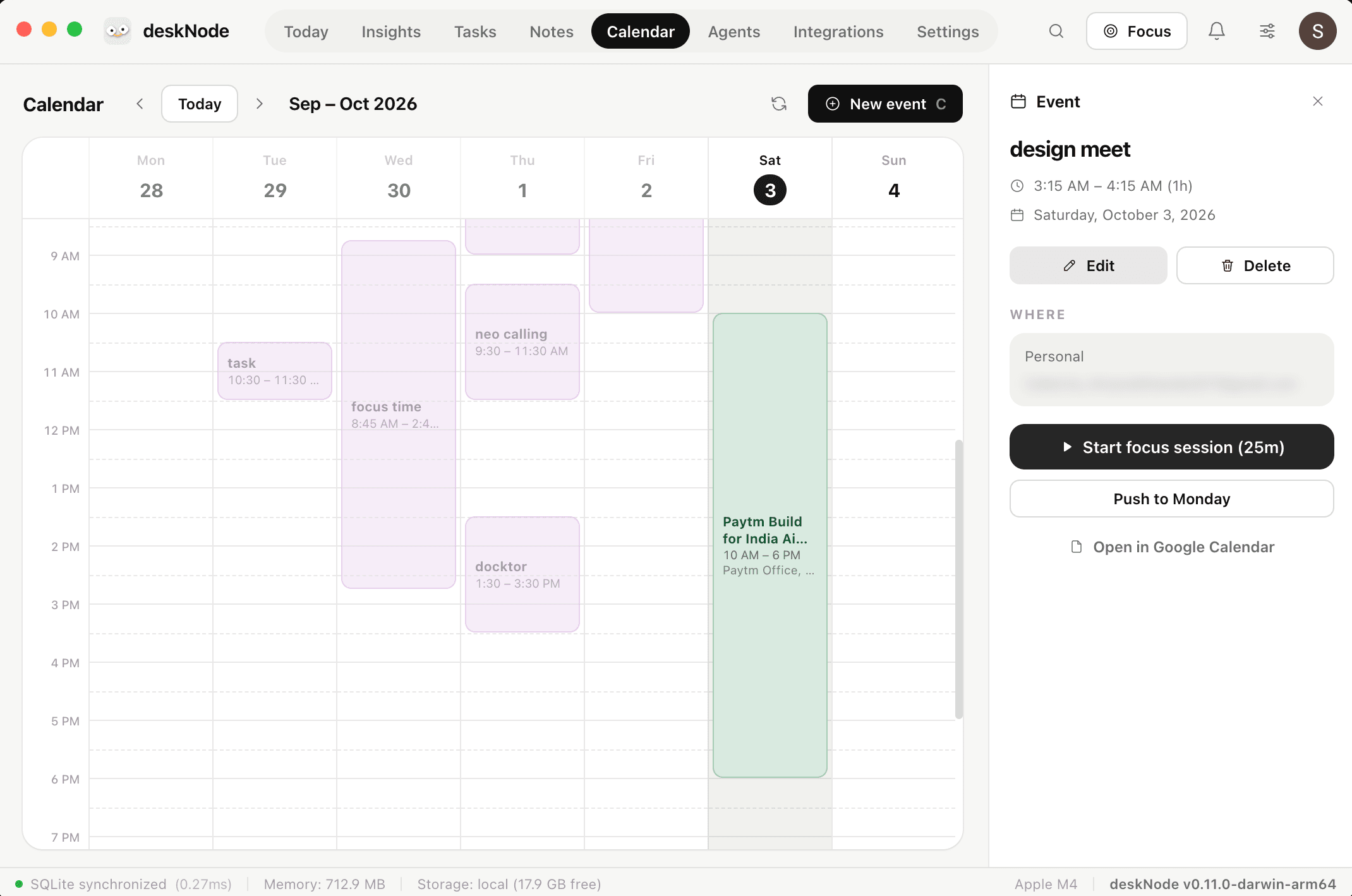
See what's next, join in one click, and get the notes back when it's over.
Triage what came in and draft the replies. Nothing sends without your OK.
Plan the day, run focus sessions, and keep your tasks one hover away.
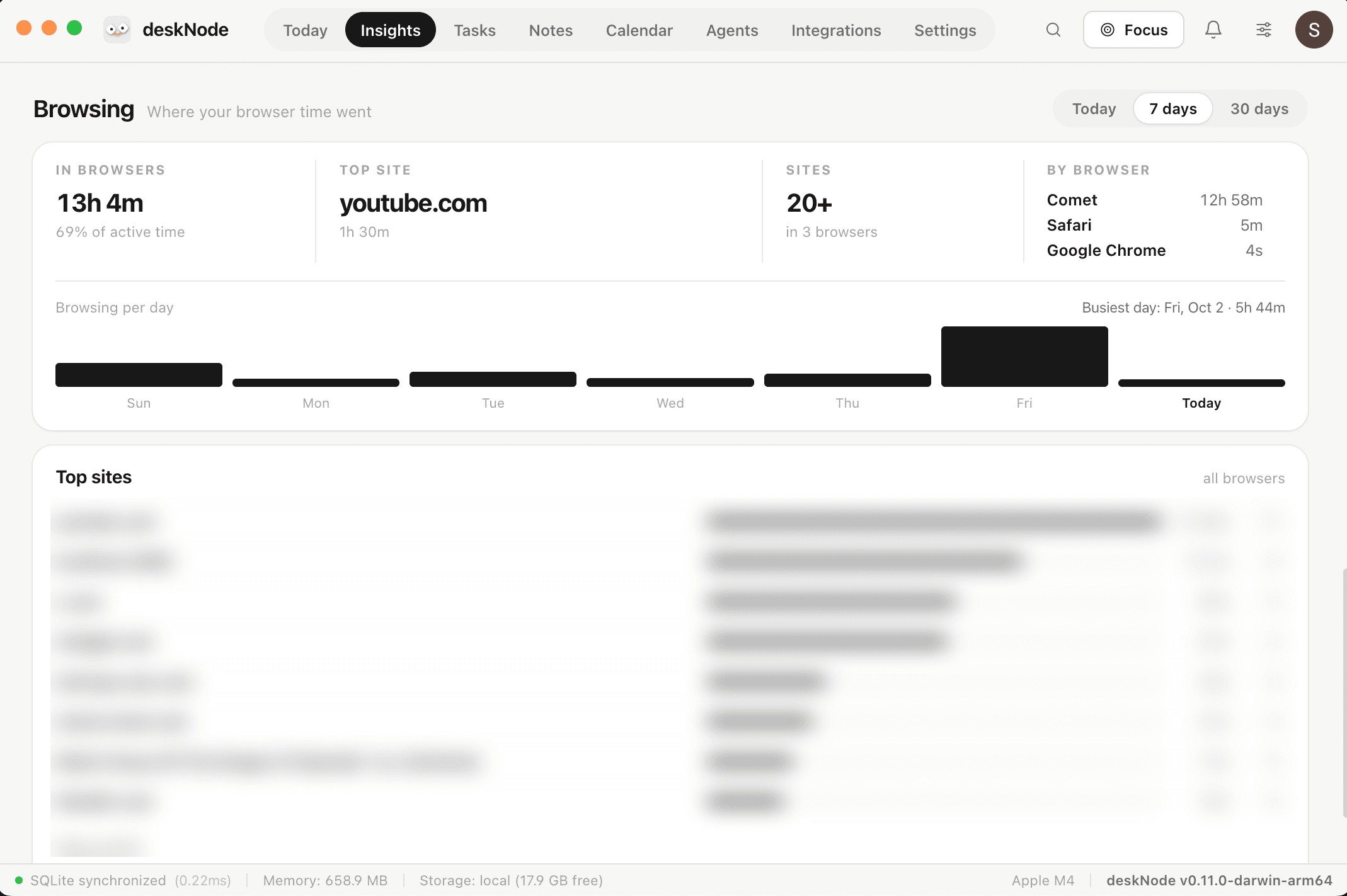
Control what's playing without leaving what you're working on.
Bug reports become tickets while you stay heads-down. You approve before anything is filed.
Clone the template, connect the services you use, and shape the notch around how you work.
The notch is what you glance at. Behind it, everything it reports from.
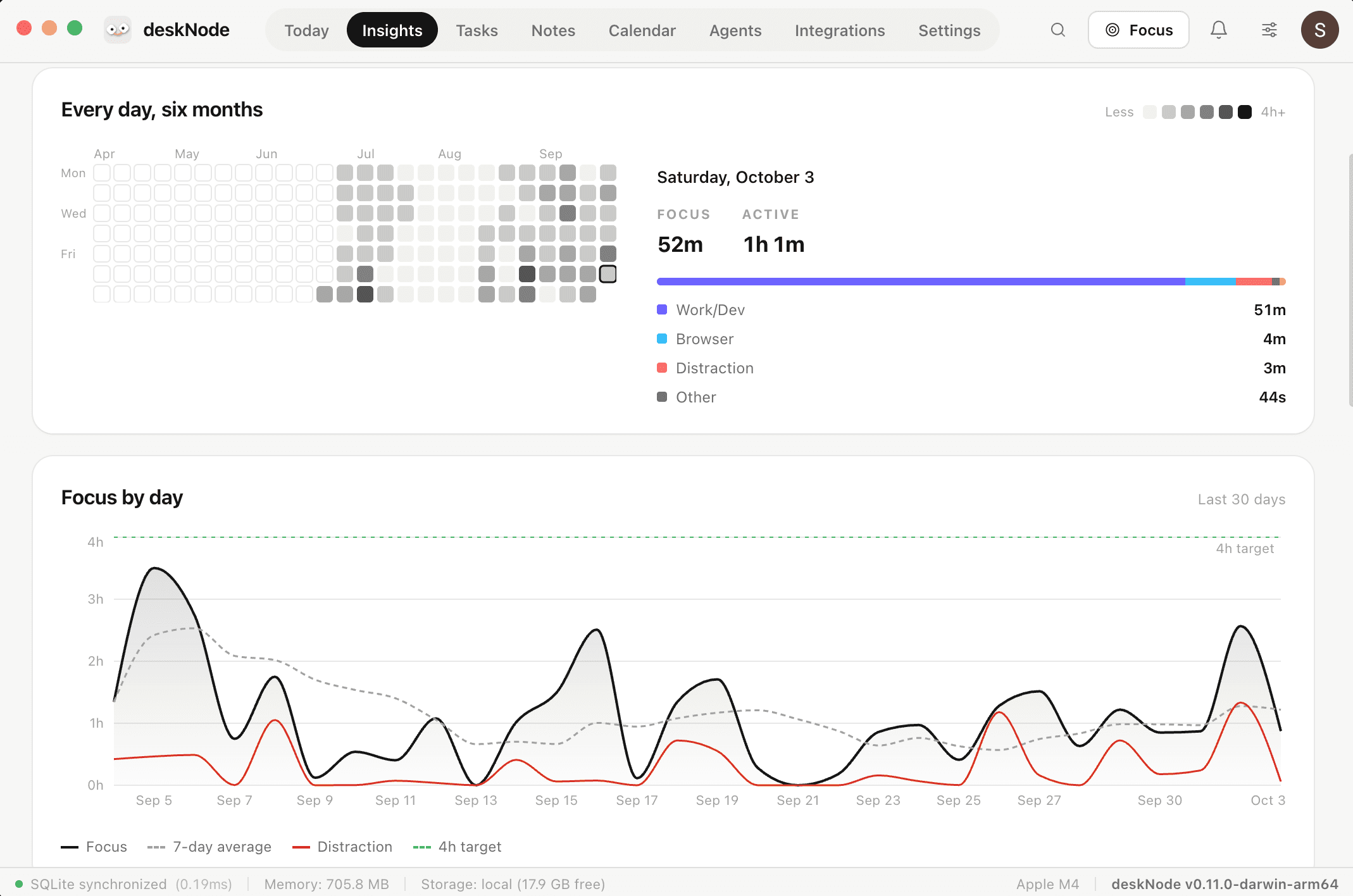
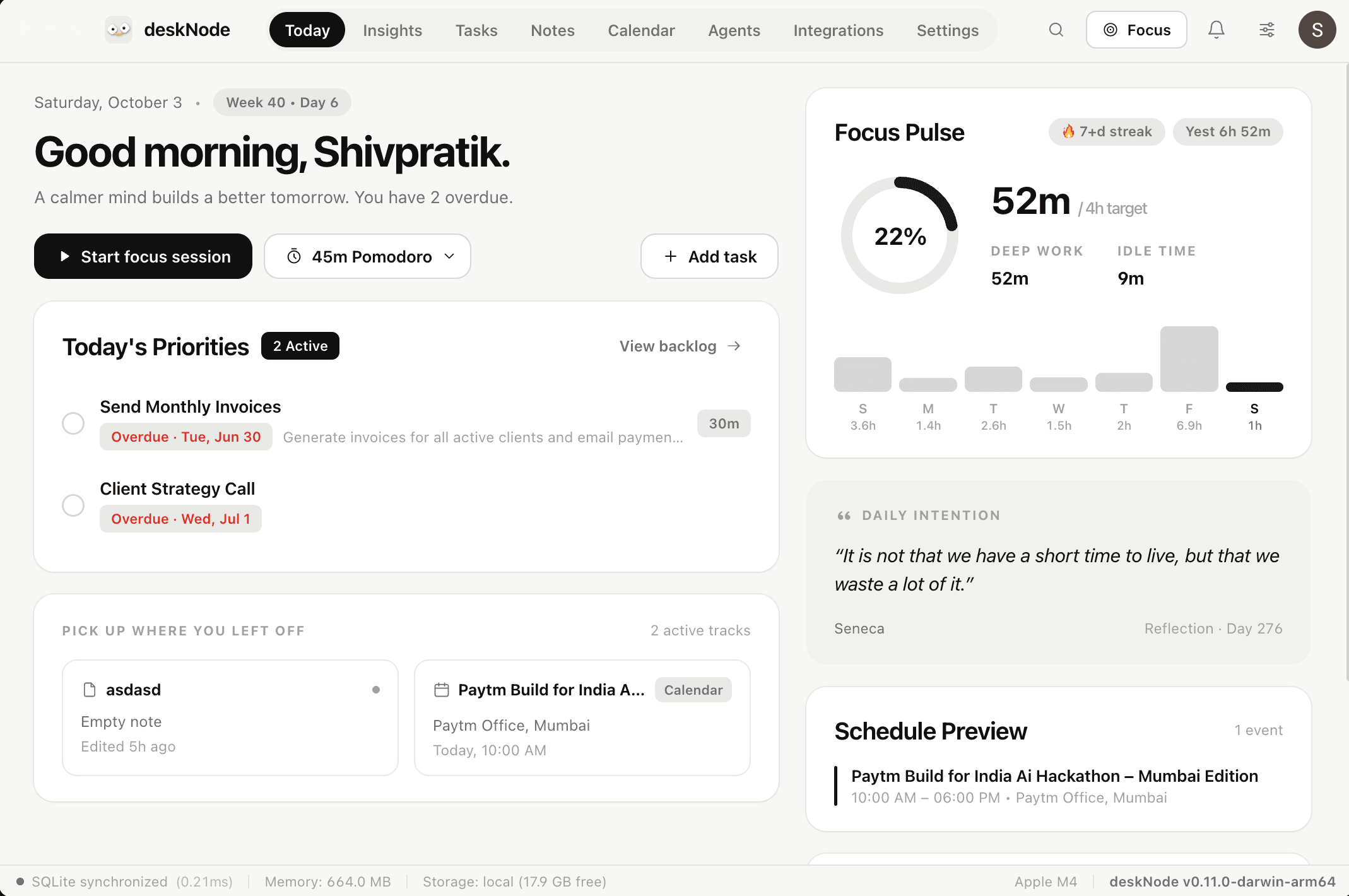
Priorities, what you left off, today's schedule and a focus streak — the first thing you see.
Mail, calendar, tickets, payouts and deploys — one notch instead of a dozen tabs, badges and dock bounces.
These came back. Unedited, and most of them are now somewhere on the list.
Follow @desknodeadd jarvis
Notifications, stock prices
Amount of times phone was picked up and screen time
Playing songs 🎵
Connect it with teams or slack or related softwares?
Message notifications
Connect it to my garmin and broadcast it's details via Bluetooth
pastel colours
Maybe maps and traffic back home?
Simulations
deskNode is free during early access. Paid plans come later — and the waitlist hears what they are before they start.
Everything deskNode does today, for everyone who turns up before it is finished.
Freewhile in early access
Join the Mac waitlistEverything, right now
The unlimited tier, for when deskNode is doing enough to be worth paying for.
Not yetno price, no date — on purpose
Hear it firstEverything in early access, plus
Still being decided. Nothing here is a promise yet — the waitlist gets the real list first.
A companion for your Mac that lives in the notch. It sits at the top of the screen you are already looking at, shows you what is going on, and takes an instruction — without a window to open or a tab to switch to.
Clone the template and make it yours: define your Nodes, connect your services, and change the interface and tools to fit how you work. If you're building something bigger on it, our engineers can help.